
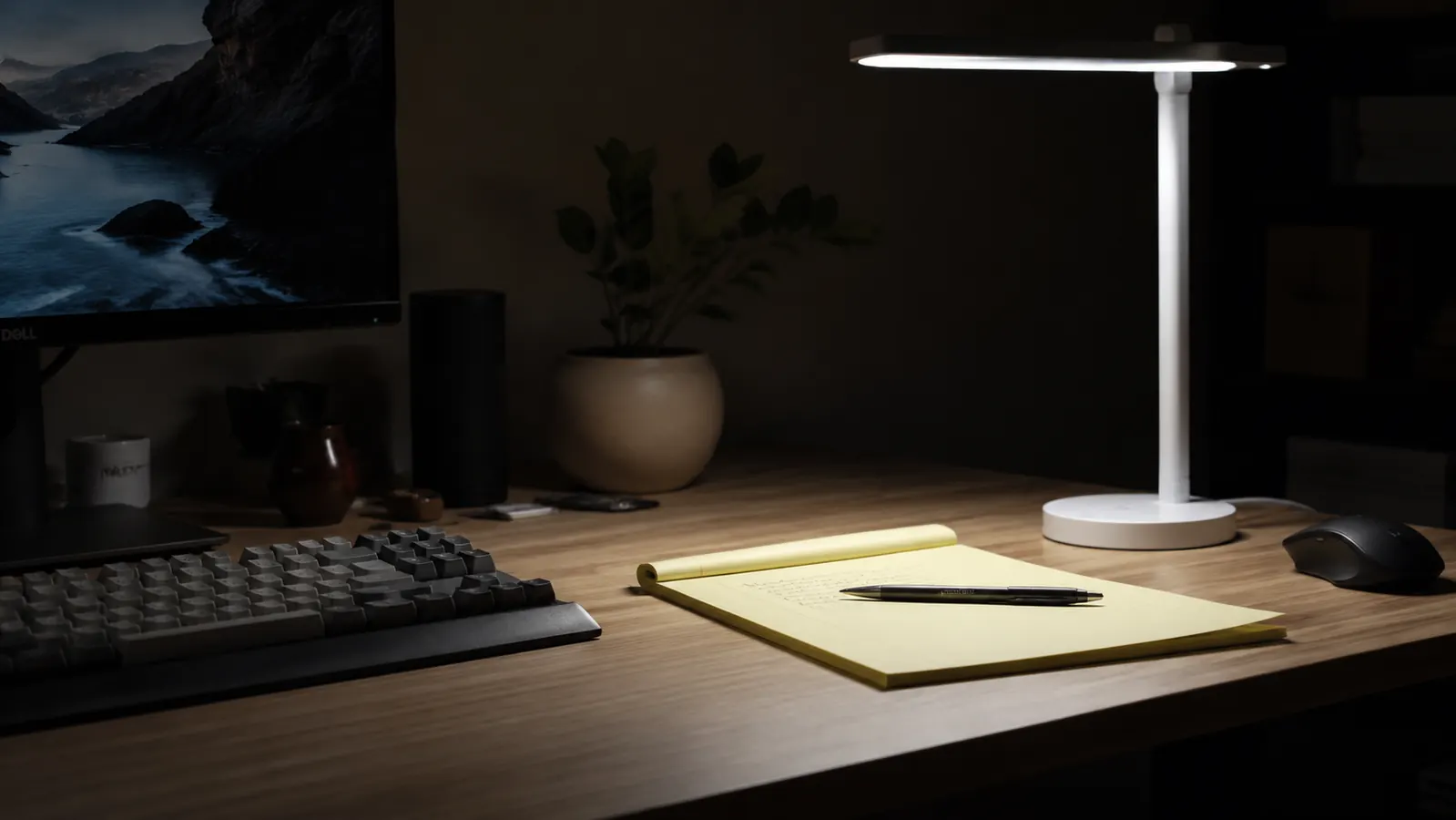
Before I get into this, let me be clear about what kind of review this is. The White Crown LED desk lamp has 16,902 Amazon ratings, a solid 4.4-star average, and a budget-friendly list price. Most of those reviews are fine. They say 'good lamp for the price' and give it four stars. What they do not cover is the stuff that only comes out after you actually think about what you bought. The marketing copy on the listing uses language that means very little without context. The USB port spec that matters for phone charging is never listed. And there is a geometric limitation in how the arm is built that will genuinely frustrate anyone with a specific desk setup. This review covers all of it.
I am not saying the lamp is bad. It is not. For most remote workers running a standard desk with a laptop or monitor, it does the job well and the current price makes it an easy pickup. But 'good for the price' is not the same as 'you should buy this with full information.' Let me give you the full information.
The Quick Verdict
Solid entry-level desk lamp with real color temperature range. The 'eye-caring' label is marketing shorthand, not a certification. USB port is 5W max. The arm geometry limits where on a desk it actually works well. Still worth it for most home office setups at this price.
Amazon Check Today's Price →If your desk lamp has one setting and it is either too yellow or too blue, this fixes that problem cheaply.
The White Crown LED desk lamp offers 5 color temperature modes and 7 brightness steps in a lamp that costs less than two trips to a coffee shop. Check whether the current price is still as low as it was when I bought mine.
Amazon Check Today's Price on Amazon →What 'Eye-Caring' Actually Means on an Amazon Listing
The White Crown listing leads with the phrase 'eye-caring' and implies the lamp is specially designed to reduce strain. Here is what that claim actually represents: it is not a certification. There is no regulatory body in the US that certifies consumer desk lamps as 'eye-caring.' The term shows up on hundreds of budget LED lamps from different brands and it signals, at best, that the lamp does not use pulse-width modulation flickering aggressive enough to show up in a phone camera video test, and that it offers adjustable color temperature modes.
Both of those things are true for the White Crown. I ran a phone camera slow-motion test at 240fps pointed at the lamp head at full brightness in each mode. No visible flicker banding. That is a real positive, and it is more than some budget lamps can claim. The adjustable modes also contribute to reduced visual strain when you match them correctly to your ambient light. But the lamp has no anti-glare diffuser panel, no specific high-CRI rating listed, and no independently verified flicker index. You are getting a competent multi-mode LED lamp, not a medical-grade lighting solution. Knowing that matters before you buy it for someone with diagnosed photosensitivity or severe eye strain issues.
The Color Temperature Modes: What the Listing Says vs What You Actually Get
The listing shows five modes and associates them with color temperature ranges. What it does not tell you is how wide those ranges feel in practice, or how the transitions between modes behave. There is no crossfade between modes. Pressing the control cycles you through discrete steps, which means if you are between the neutral and natural modes, you have to commit to one or the other. For most people that is fine. For anyone who has used a lamp with stepless dimming or color mixing, it feels like a step backward.
The warm mode at the lower end of the range reads noticeably amber in a dark room. If you are pairing the lamp with a monitor set to a night-shift warm profile, the combined cast can make white backgrounds on screen look slightly greenish. This is a perceptual effect of the color mixing between your screen and the lamp, not a flaw in either device. The fix is straightforward: run the lamp at neutral or natural mode and let the monitor handle any warm shift separately. The listing does not mention this interaction and most buyers will run both warm and not know why their screen looks slightly off.
The natural white mode at the middle of the range is where the lamp performs best. It is genuinely neutral without being harsh, and it pairs well with a monitor at its default color temperature. If you buy this lamp and do nothing else, set it to the middle mode and leave it there. You will get most of the benefit with none of the color cast issues.

The USB Port: 5 Watts Is Not What Your Phone Wants
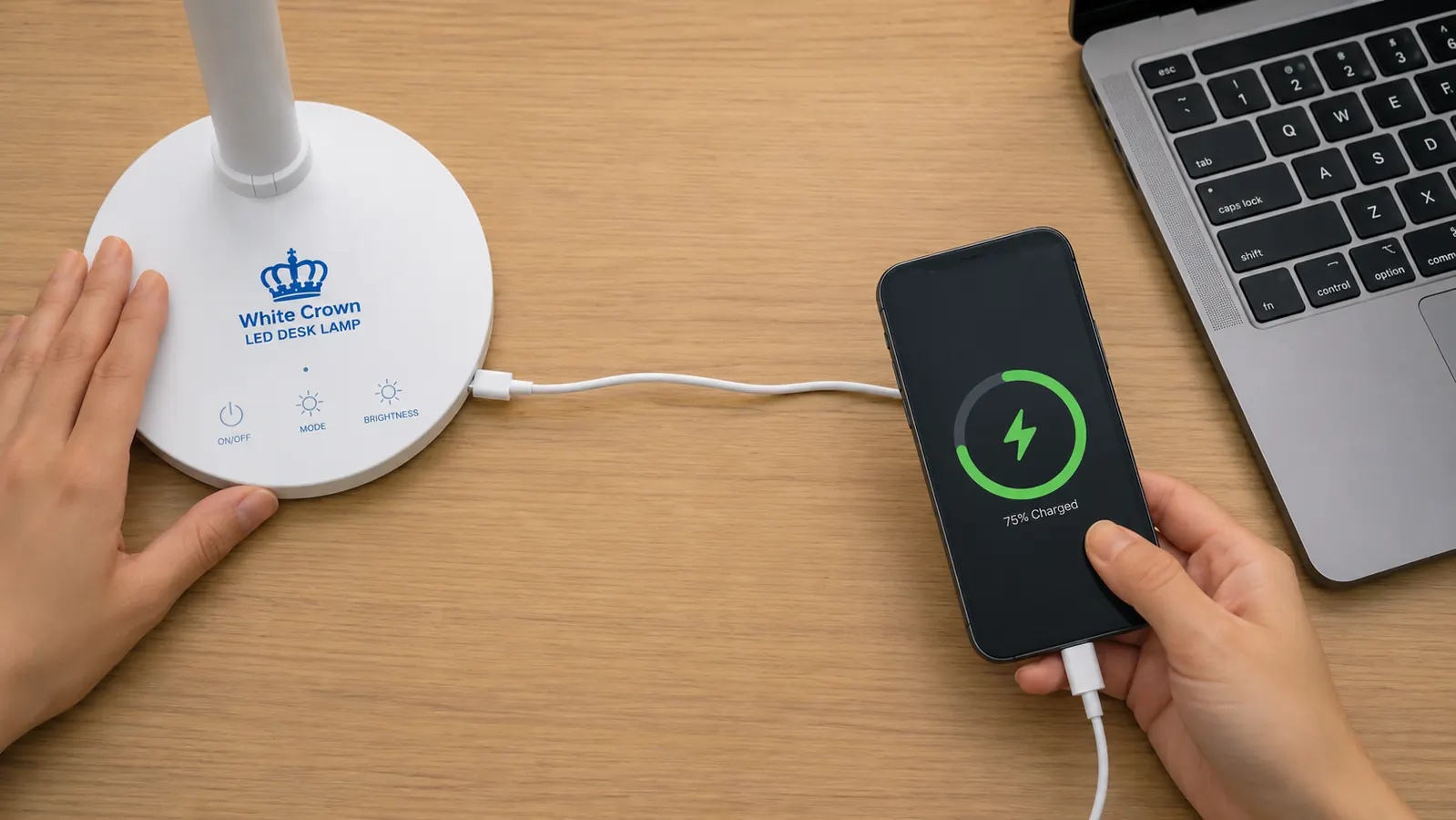
The lamp has a built-in USB-A charging port. The listing describes it as a 'charging port' without specifying the output. I tested it with a USB meter while charging a modern Android phone. The port outputs 5V at 1A, which is 5 watts. That is the USB 1.0 standard from the early 2000s. It will charge a phone, but slowly. A phone that charges in 90 minutes on a modern wall charger will take three or more hours on this port. Earbuds and smartwatch bands charge fine at that rate. A phone you want ready by morning will charge, but do not expect it topped off in an hour.
This is not a disqualifier. A slow charge is still a charge, and if the alternative is running a cable across the room to a wall outlet, the lamp port is more convenient. But the listing lets you imagine a USB port that works like your phone charger, and it does not. The port is best thought of as a cable-management convenience rather than a fast-charge solution. Keep your phone charger accessible for anything time-sensitive.
The USB port outputs 5 watts. Useful for earbuds and overnight phone charging. Not a replacement for your wall charger if you need power fast.
The Arm Geometry Problem Nobody Covers
This is the thing I have not seen in any other review of this lamp, and it is the thing most likely to frustrate a specific group of buyers. The White Crown uses a single gooseneck arm attached to a round weighted base. The base sits on your desk and the arm extends upward and forward. The light head is fixed to the top of the arm. It does not pivot independently, which means the angle of light falling on your desk is determined entirely by where you bend the gooseneck and how far the arm reaches.
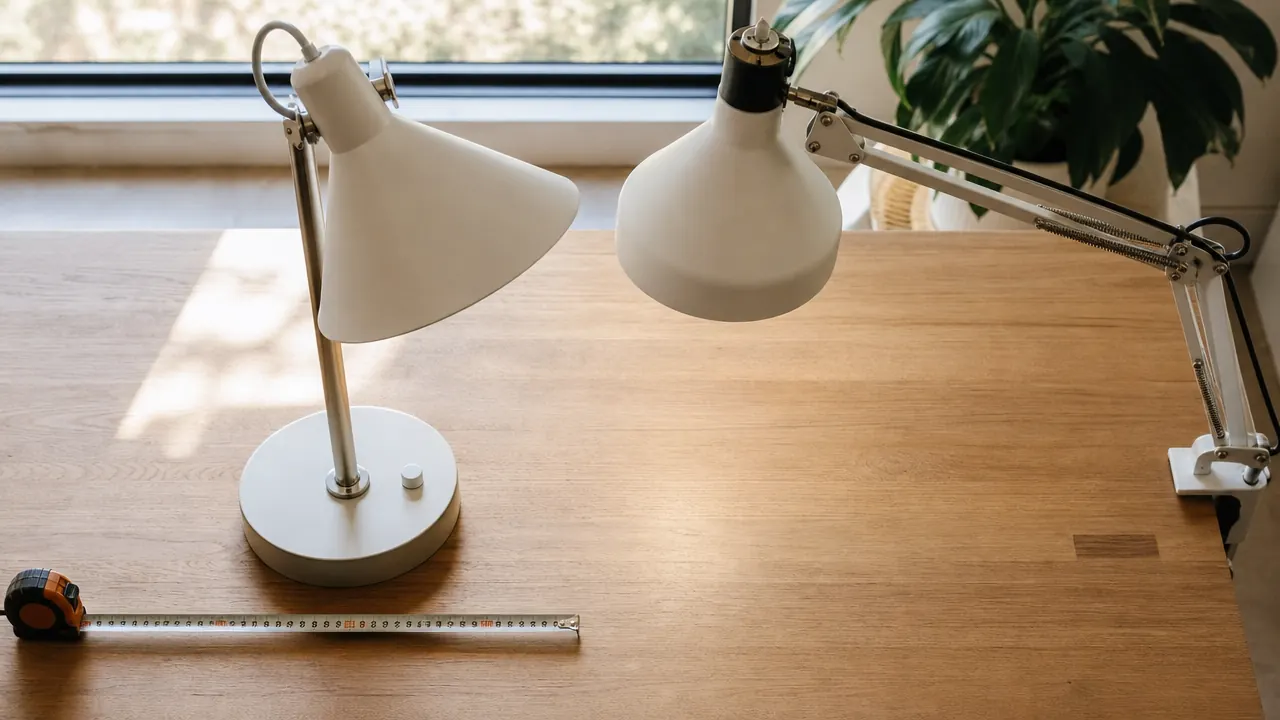
The issue is reach geometry. The arm extends roughly 15 inches when fully straightened. If your desk is deep, 28 to 30 inches from front edge to back wall, and you want the lamp base near the back and the light pointing forward over your work surface, the arm does not have enough length to create a useful forward reach angle. You end up with the lamp shining almost straight down onto your desk from directly above the base, which creates a bright spot directly behind your keyboard and leaves your actual work area in partial shadow. To get the light positioned usefully over your work surface, the base has to sit closer to the center of your desk, which pulls it closer to your screen and your hands.
On a shallow desk, 20 to 24 inches deep, this is not a problem. The base sits toward the back and the arm clears your monitor and reaches your work zone without issue. On a standard full-size desk, particularly any desk 28 inches deep or more, you will need to place the base closer to center than you want. If you are planning to keep the lamp tucked at the back corner of a deep desk, this lamp will not work the way you picture it.
Who the Competition Is at This Price and Why White Crown Still Wins
At the budget desk lamp price point, the realistic alternatives are other single-gooseneck LED lamps with one or two modes, or basic touch-control lamps with no color temperature adjustment at all. The White Crown's five modes is genuinely more than what most competitors in this range offer. The closest competitors I found during my research either have three modes at best, lack the memory function, or have significantly cheaper-feeling bases that tip when you brush the control panel.
The memory function deserves specific credit because it is where White Crown separates from most budget alternatives. Lamps that reset to maximum brightness every time you power them on are annoying in a real workday where you unplug and replug frequently or share a power strip. Waking up your setup and having to immediately dim everything is a small friction that compounds over time. The White Crown remembers your last setting and returns to it. That feature alone pushes it ahead of half the budget field.
If you want to compare it to a clamp-style lamp that saves desk footprint, the White Crown vs Voncerus comparison covers the head-to-head in detail. The short version: if your desk is already crowded or deep, the clamp option is probably the better fit. If you have a shallow to medium-depth desk with room for a base, White Crown is the stronger lamp on mode quality and memory.
What I Liked
- Five actual color temperature modes, more than most budget competitors
- No visible flicker in slow-motion phone camera test at any mode or brightness
- Memory function returns to your last setting after power loss, no manual reset required
- Neutral and natural modes pair cleanly with a monitor without creating color cast
- Base weight is sufficient to stay stable when you tap the touch control
- USB-C power input compatible with most existing laptop charger adapters
Where It Falls Short
- USB-A port outputs 5W only, slow for phone charging, not a wall charger replacement
- Warm mode combined with a warm monitor profile creates a slight greenish screen cast
- Arm geometry means the base cannot sit at the rear of a 28-plus-inch deep desk usefully
- Light head does not pivot independently from the neck
- No CRI rating listed, no certification behind the eye-caring marketing claim
- Mode transitions are discrete steps with no crossfade option
The Out-of-Box Experience: One Thing That Surprised Me
Setup took under two minutes and required nothing beyond plugging in the USB-C cable. The lamp ships fully assembled. What caught my attention was the packaging. The lamp arrived in a well-fitted box with foam inserts that suggested a product positioned above its price. I have unboxed lamps at twice this cost that arrived in a flimsy sleeve with the neck bent against the bottom of the box. The White Crown box feels deliberate. It is a small thing that matters when you are deciding whether to gift something or keep it at your own desk.
The default mode when you first power it on is a medium brightness in the neutral mode range. That is a good default. Most budget lamps ship at full daylight brightness, which is jarring. Starting at a moderate, neutral setting lets you evaluate the lamp in a realistic condition before you start cycling modes.
Who This Is For
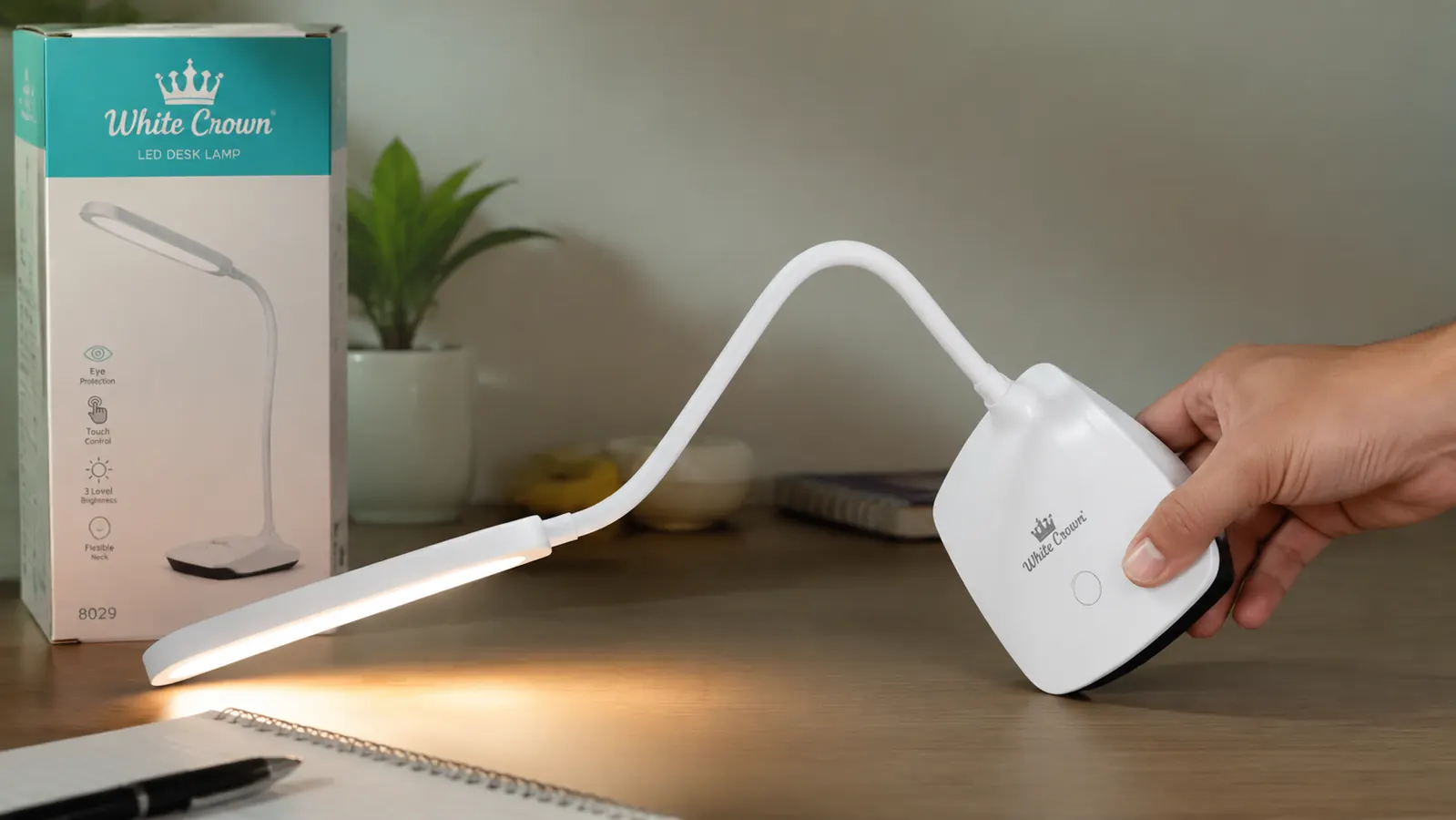
Remote workers with a shallow to medium-depth desk (under 27 inches) who want adjustable color temperature at a budget price and do not already own a quality task lamp. Writers, readers, and anyone on video calls who benefits from matching their desk light to ambient conditions throughout the day. People who power their setup down and back up frequently will appreciate the memory function. If eye strain is a running problem, the 10-reasons guide on how an LED desk lamp reduces eye strain covers the full picture beyond just the lamp choice.
Who Should Skip It
Anyone with a desk 28 inches deep or more who wants the lamp parked at the rear should look at a clamp-style lamp instead. Anyone who needs USB fast-charging for their phone and plans to rely on the lamp port exclusively will be disappointed. People buying for a family member with genuine photosensitivity or a diagnosed vision condition should invest in a lamp with a published CRI rating and a verified flicker-free specification rather than relying on marketing language. And if you are currently using a single-mode lamp that you already like, there is no compelling reason to switch unless eye fatigue is an active problem you are trying to solve.
Most of the frustrations in this review are predictable once you know the specs. If none of them apply to your desk, this lamp is a clean buy.
Five color temperature modes, a memory function, no visible flicker, and a price that most people spend on lunch. If your desk is shallow and your current lamp has one setting, the White Crown is the upgrade that actually makes sense before you consider anything more expensive.
Amazon Check Today's Price on Amazon →