
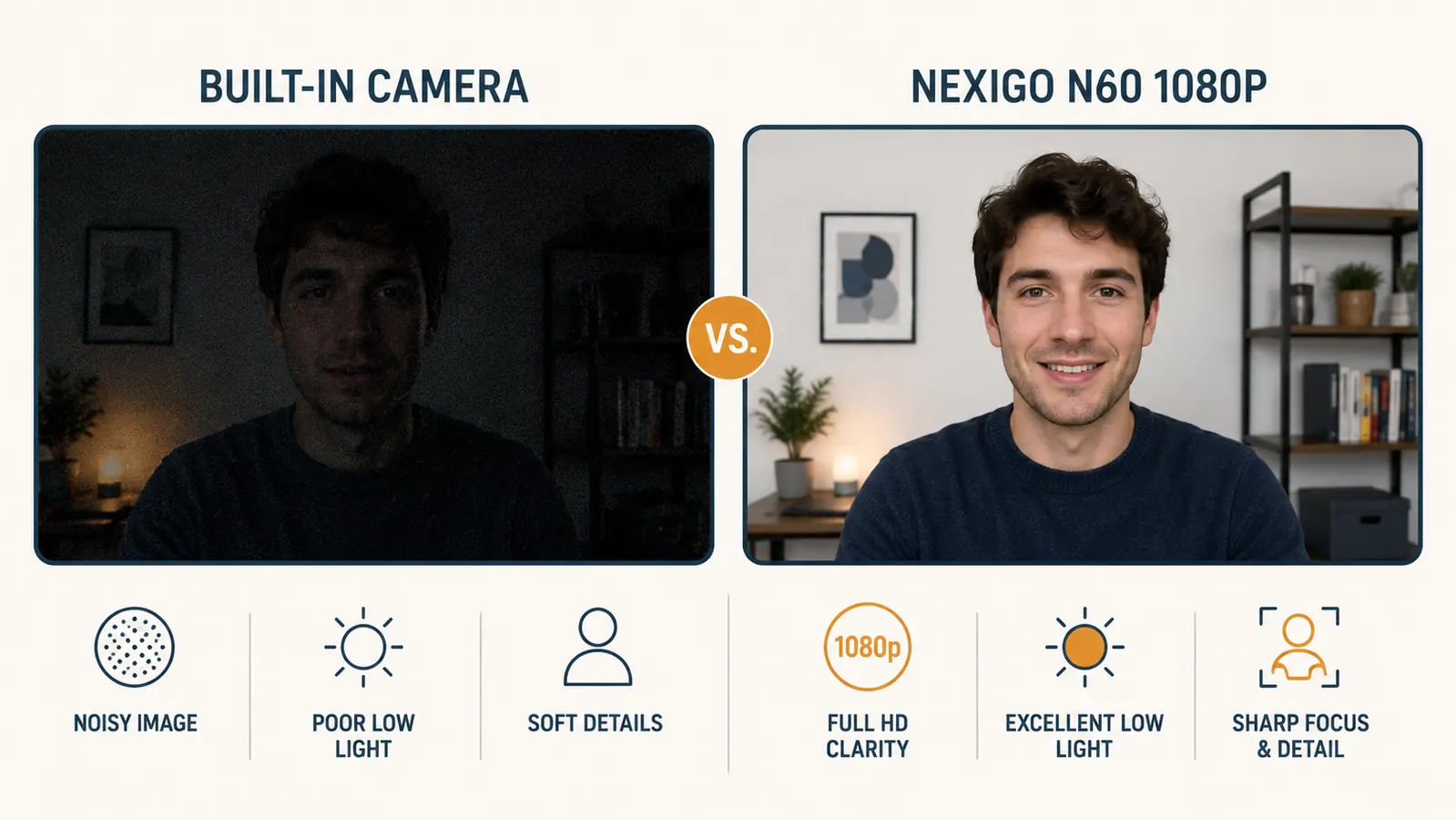
I spent the first eight months of remote work using the built-in camera on my laptop. I figured it was fine. Nobody complained. Then I joined a client call where the host had a crisp, well-lit feed and I saw my own thumbnail in the corner: a washed-out, pixelated square that looked like a security camera still from 2007. That was the day I bought the NexiGo N60 1080P webcam, and I have not thought about my video feed since.
Here are the 10 reasons I wish I had made the switch sooner. Every single one applies to the NexiGo N60 specifically, because that is what I have on my desk and what I can actually speak to.
Still showing up to calls as a grainy blur? The NexiGo N60 fixes that for less than a dinner out.
The NexiGo N60 1080P webcam has over 52,000 Amazon ratings. It works out of the box with Zoom, Teams, and Google Meet. No drivers, no setup headaches. Check the current price below.
Amazon Check Today's Price on Amazon →1080P Resolution Means People Actually See Your Face
Built-in laptop cameras ship at 720P at best, and most process that image so aggressively that fine detail disappears. The NexiGo N60 runs true 1080P at 30fps. On a Zoom call that means your face is sharp, your expressions read clearly, and you do not look like a contestant on a blurry game show. This is not vanity. When people can see your face clearly they read your body language better, trust you faster, and follow what you are saying more easily.
A Built-In Microphone That Does Not Sound Like a Tin Can
The N60 has a built-in microphone with noise reduction built into the hardware. It is not studio quality. But for 80 percent of meetings it is more than enough, and it sounds noticeably better than a laptop mic pointed up at the ceiling from two feet below your mouth. If you have a dedicated USB mic already, you can ignore this. If you do not, this one peripheral handles both video and audio without adding another cable to your desk.
The Privacy Cover Is a Physical Switch, Not a Software Setting
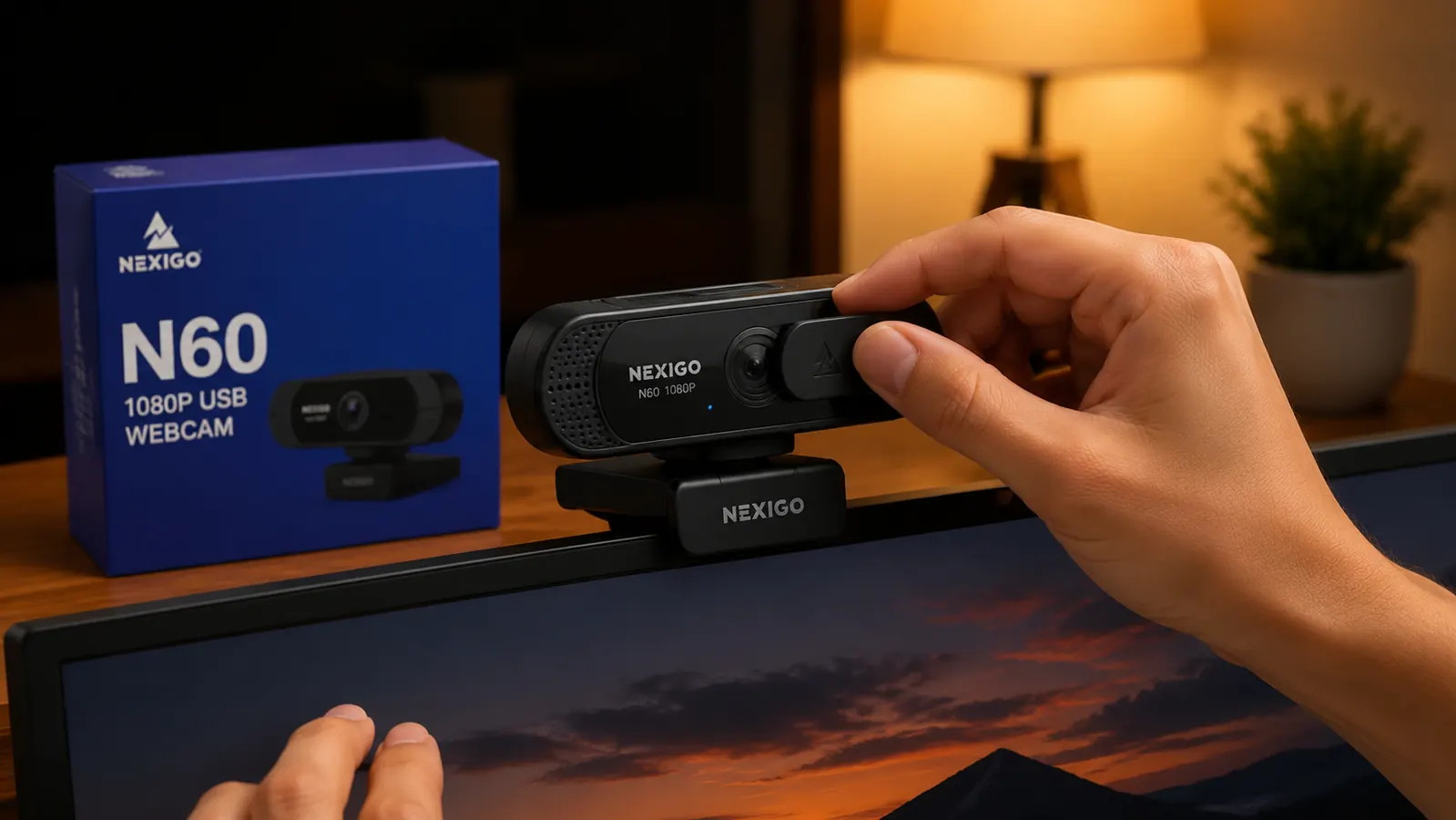
I have read enough privacy breach stories to be uncomfortable with a camera that is always pointed at my desk even when the shutter is theoretically off. The N60 ships with a physical privacy cover that slides over the lens. When it is closed, nothing is getting through. No driver update, no app update, and no remote command changes that. For anyone who works with sensitive documents in their home office, this is the kind of feature that matters.
Software Control Lets You Tune Exposure Without Touching Your Monitor Settings
NexiGo ships a companion app that lets you adjust brightness, contrast, white balance, and field of view from your taskbar. This sounds minor until you realize that laptop cameras auto-expose in ways that blow out backgrounds or make your face dark against a bright window. The N60 app puts you in control of that tradeoff. Took me about three minutes to dial in a setting I have not touched since.
It Mounts on Any Monitor or Laptop Lid With a Clip
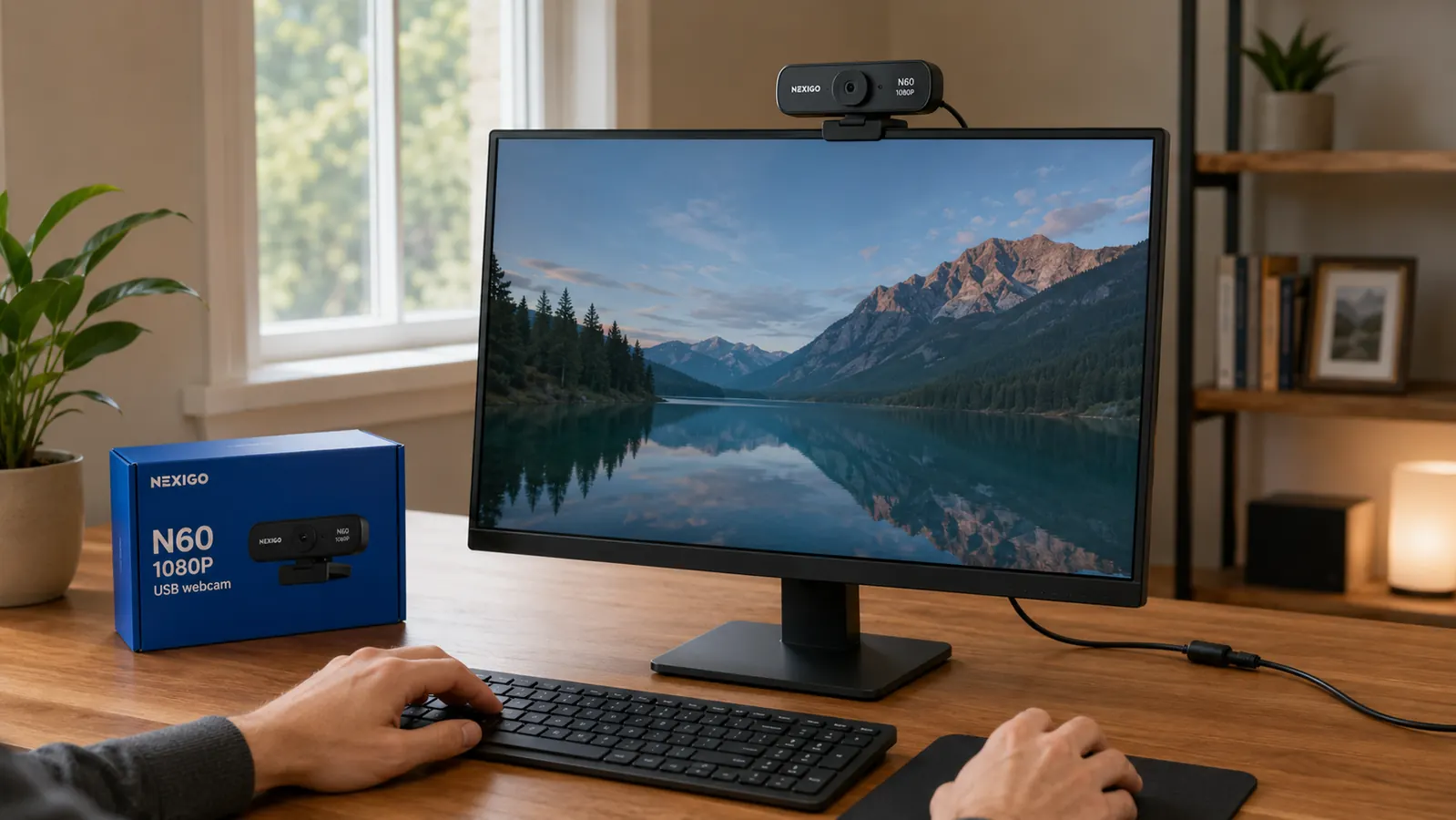
The N60 clips onto a monitor top or a laptop lid and stays put. No desk real estate consumed, no stand to position around your coffee mug and notebook. The clip has a rubberized grip that does not scratch monitor bezels. On a 27-inch monitor it sits right at eye level, which is where every camera should be. Looking slightly down at a built-in laptop camera tells your brain you are submissive and tells everyone else you are distracted.
Plug-and-Play USB Means Setup Takes Two Minutes, Not Two Hours
There are no drivers to install on Windows 10, Windows 11, or macOS. You plug in the USB-A cable, the OS recognizes the camera, and you select it in Zoom or Teams. That is the full setup process. I know this sounds basic, but I have watched coworkers spend 45 minutes troubleshooting a different brand of webcam before a client call because of a driver conflict. The N60 has never caused me a single problem of that kind.
Wide-Angle Field of View Works in Small Spaces
The N60 shoots at a 90-degree field of view, which is wide enough to show your shoulders and background without requiring you to sit three feet from the camera. That matters in home offices where the desk is six inches from a wall. A narrow-angle webcam in a small room either cuts off your head or turns your face into a passport photo. The wider FOV also makes the NexiGo software's zoom-in crop useful: you can shoot wide and then tighten in software without losing image quality.
Over 52,000 Ratings Mean the Quality Control Is Consistent
One-off reviews can be faked. 52,509 ratings cannot be systematically gamed at scale. At a 4.3-star average across that volume, the N60 has a real failure rate and a real pattern of what works. Reading the one-star and two-star reviews specifically, the consistent complaints are about the software app being clunky on older Windows machines and the cable being slightly shorter than some people want. Neither of those is a dealbreaker for most setups. The picture quality complaints are nearly absent.
The Price Point Removes the Decision Entirely
The NexiGo N60 costs about what you spend on takeout twice. When the upfront cost is that low, you stop weighing it against other purchases and start asking yourself why you waited. At this price it is genuinely the gear decision with the highest perceived impact per dollar in a home office. Your colleagues see your face on every single call. That is a touchpoint that happens a dozen times a week, every week, and right now you might be fumbling it with a camera that cost the laptop manufacturer very little to include.
It Works With Every Platform You Already Use
Zoom, Microsoft Teams, Google Meet, Slack, Webex, and OBS all recognize the N60 natively. You do not need a platform-specific driver or a firmware update when your company switches from Teams to Zoom. The camera just shows up as a standard UVC device and every platform knows what to do with it. If you are a freelancer juggling clients on three different video platforms, you will never have to think about webcam compatibility again.
What I Would Skip
If you are doing video production, live streaming on Twitch at high bitrates, or recording a YouTube channel where production quality is a core part of your brand, the N60 is not the right tool. It tops out at 1080P30 and the dynamic range leaves something to be desired in high-contrast lighting. For those use cases, you are looking at a mirrorless camera with a capture card, or at minimum a Logitech Brio 4K. But for remote work video calls, which is what most of us actually do all day, the N60 covers everything you need and nothing you do not.
Your colleagues see your face on every call, a dozen times a week. Right now you might be fumbling that first impression with a cheap laptop chip.
If any of the ten reasons above ring true for your current setup, the fix is straightforward. The NexiGo N60 is what I have been using daily. For a full breakdown of how it holds up after months of daily calls, the long-term review covers everything the product page does not.
For a more detailed breakdown of what the N60 does and does not do well, read the NexiGo N60 long-term webcam review or the NexiGo N60 honest review for the parts most product pages leave out.
If your video calls still look like 2012, this is the upgrade that costs less than a tank of gas.
The NexiGo N60 1080P webcam with built-in microphone, privacy cover, and software control is one of the best-reviewed webcams at this price point on Amazon. Plug it in and forget about your video feed.
Amazon Check Today's Price on Amazon →