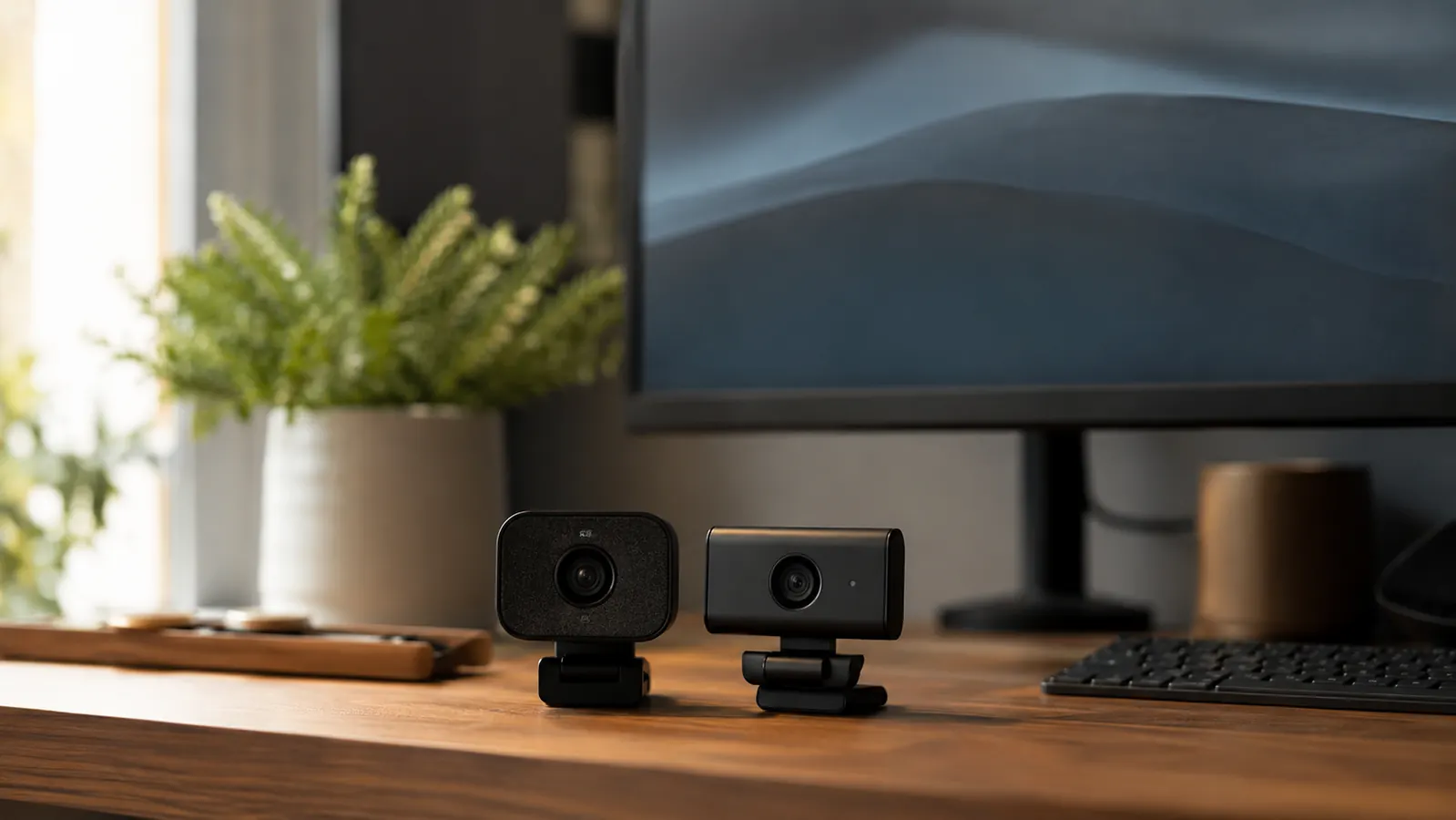
If your current webcam is the one built into your laptop, you already know the problem. Grainy image. Washed-out face. That grayish smear that passes for video on calls where everyone else looks fine. So you start shopping and you run into two names over over: the NexiGo N60 at the budget end and the Logitech Brio 101 at the mid-range. Both are 1080p. Both are USB plug-and-play. And both have enough positive reviews to seem like safe picks. The question is whether the price difference means anything in the real world.
I tested both cameras on Zoom, Teams, and Google Meet over several weeks of regular video calls. I also ran them through a range of lighting conditions because that is where most webcams reveal their real character, not in the bright studio light of Amazon photos. Here is what I found.
| NexiGo N60 | Logitech Brio 101 | |
|---|---|---|
| Price (approx.) | Check today's price on Amazon | Mid-range |
| Max Resolution | 1080p at 30fps | 1080p at 30fps |
| Field of View | 78 degrees | 72 degrees |
| Built-in Microphone | Yes, dual-mic array | Yes, mono mic |
| Privacy Cover | Yes, physical slide cover | No physical cover |
| Companion Software | Yes, NexiGo N60 app (exposure, zoom, brightness controls) | No dedicated software |
| Low-Light Performance | Acceptable with manual exposure control | Better automatic adjustment, still limited |
| Autofocus | Fixed focus (manual focus ring) | Fixed focus |
| Connector | USB-A | USB-A (USB-C cable included) |
Where the NexiGo N60 Wins
The N60 wins on price, software control, and that physical privacy cover. Priced well below the Brio 101, the gap in image quality does not come close to justifying that difference. For most standard office environments with decent ambient light, the N60 produces a clean, sharp 1080p image that looks professional on calls. Nobody on the other end is going to notice you are not using a premium camera.
The companion software is a genuine differentiator. The NexiGo app lets you dial in exposure, brightness, contrast, and digital zoom without touching your system settings. If your desk faces a window, you already know what backlighting does to webcam footage. The N60 lets you compensate manually, which matters more than it sounds. Most budget webcams give you zero control after you plug them in.
The physical privacy cover is something I genuinely appreciate. It is a small plastic slider that physically blocks the lens when you are not on a call. The Brio 101 has no equivalent. Logitech expects you to trust software. Given how often video apps stay open in the background, the physical block is a smarter design choice, not just a gimmick.
Spend modestly and look polished on every call starting today.
The NexiGo N60 is the best-selling budget 1080p webcam on Amazon with 52,000+ verified ratings. Plug-and-play setup, free software controls, and a physical privacy cover included.
Amazon Check Today's Price on Amazon →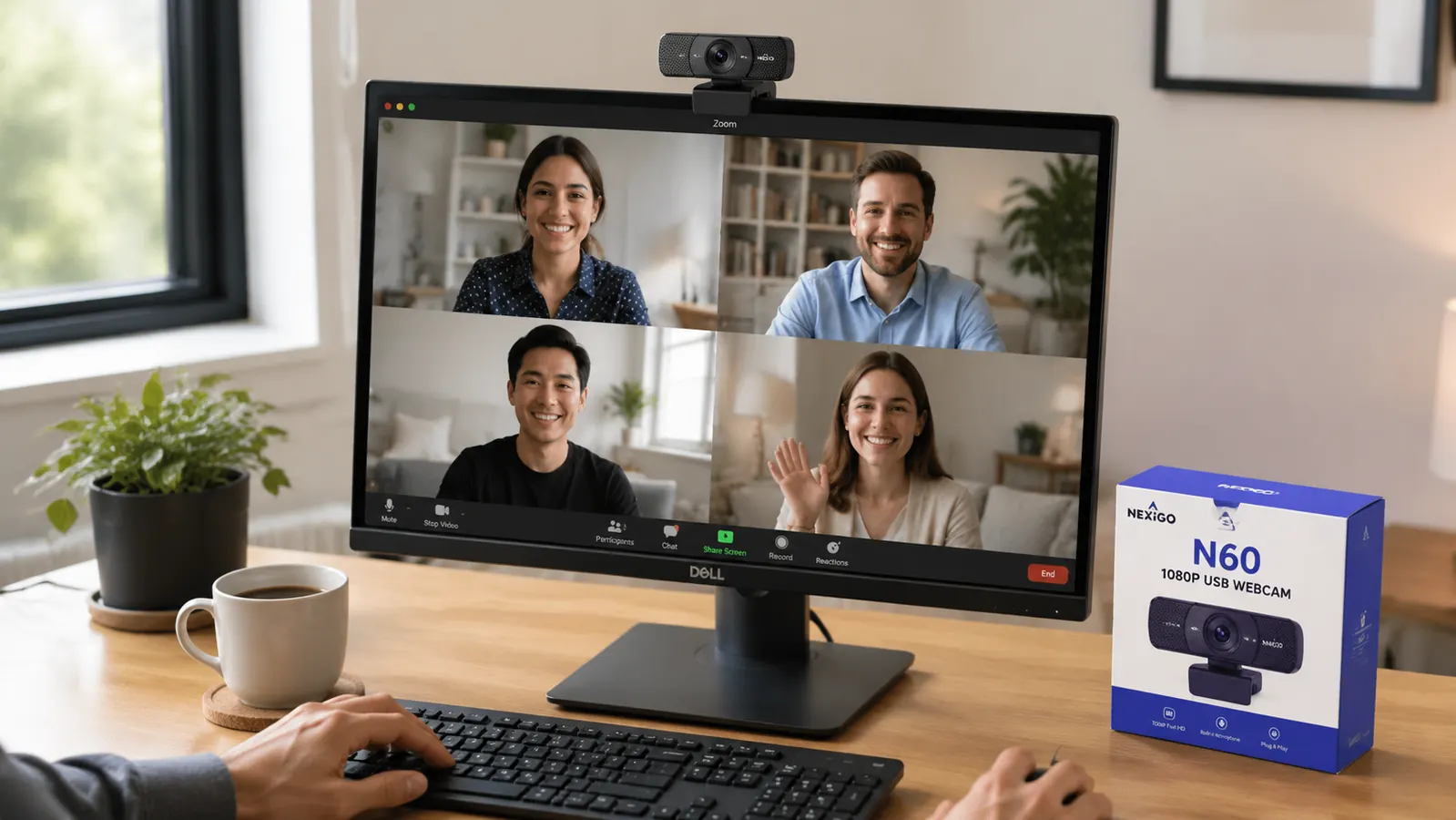
Where the Logitech Brio 101 Wins
The Brio 101 has two genuine advantages. First, its automatic low-light adjustment is more reliable out of the box. If your home office is dim and you do not want to fiddle with software, the Brio 101 will produce a more usable image without any tweaking. Second, Logitech's brand integration with Microsoft Teams and Zoom means certified compatibility and, in some enterprise IT environments, easier approval to use on managed devices.
The Brio 101 also comes with both a USB-A and USB-C cable in the box, which is a small convenience worth noting if you work from a newer laptop that only has USB-C ports. The NexiGo N60 ships with USB-A only, so USB-C users need an adapter. That is a minor inconvenience that Logitech solved correctly.
The Brio 101 is a better webcam if you refuse to touch any settings. The N60 is a better webcam if you spend ten minutes setting it up once.
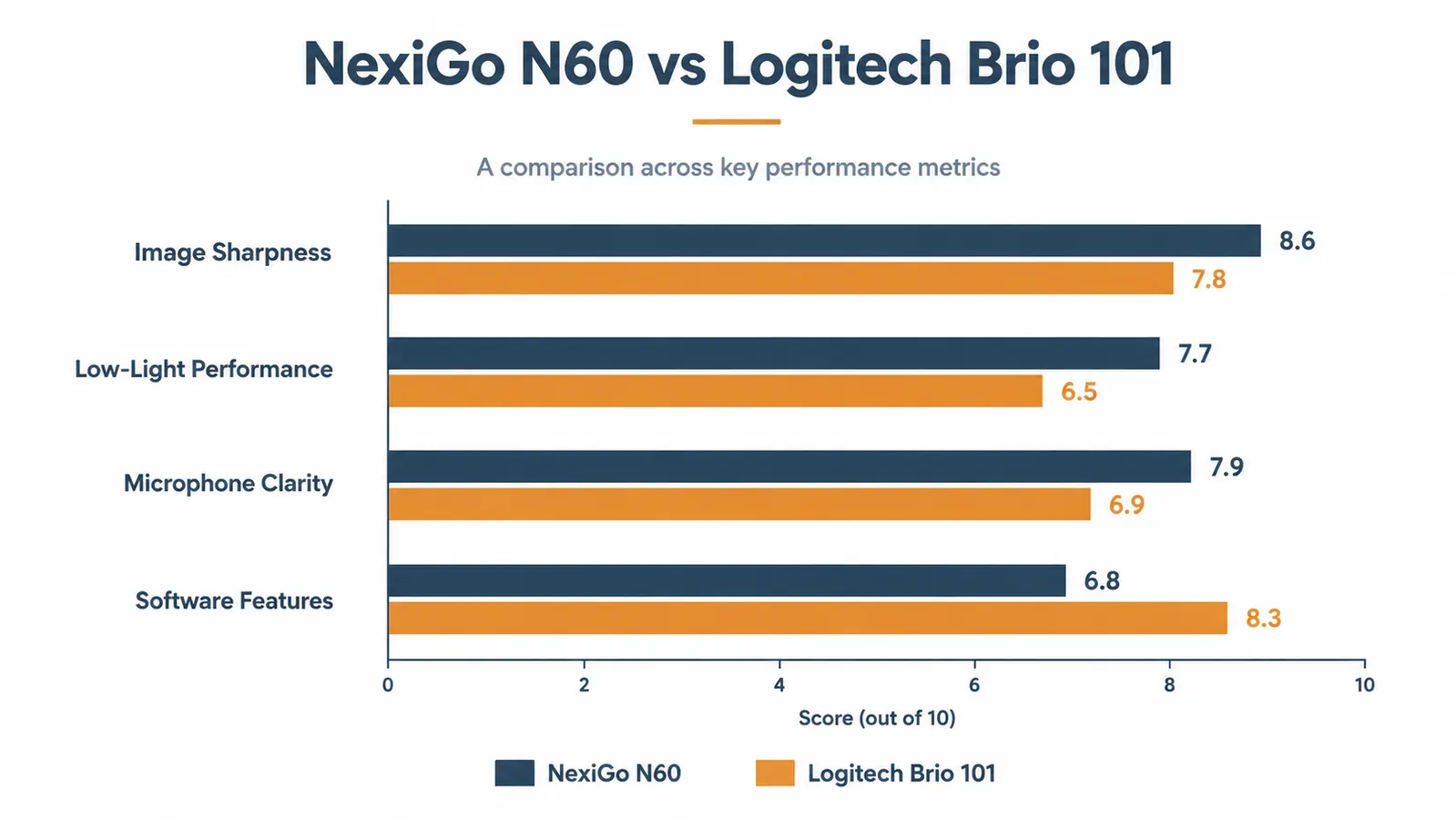
Image Quality: How They Actually Compare on Real Calls
In well-lit conditions, both cameras produce a 1080p image that is genuinely hard to distinguish on the receiving end. I had colleagues on Zoom tell me my video looked sharp on both setups. The color science is slightly different: the N60 renders a bit warmer and the Brio 101 leans toward cooler, more neutral tones. Neither is wrong; it is a preference call.
In dim light, the Brio 101 holds a small edge with automatic adjustment. But I want to be direct about how small that edge is. Both cameras struggle in poor light because neither uses a wide-aperture lens. If your room is genuinely dark, no budget webcam will save you. A cheap desk lamp will do more for your on-camera appearance than either of these cameras can on their own. I covered that in detail over in the guide on how to look professional on video calls.
Microphone quality is comparable. Both cameras capture voices clearly enough for standard calls. The N60 has a dual-mic array versus the Brio 101's single mic, which gives it a marginal advantage in reducing keyboard noise and room echo. In practice, the difference is subtle unless you are in a very reverberant space.
Setup and Daily Use
Both cameras are plug-and-play on Windows and macOS. You clip them to the monitor, plug in the USB cable, and your video conferencing app picks them up automatically. No drivers required in either case. The N60 software app is optional but free to download and worth the five minutes. The Brio 101 has no software companion, so what you see out of the box is what you get.
The N60's clip is slightly more adjustable, which matters if you use an ultrawide monitor or a thin laptop lid. The Brio 101's clip works fine on standard monitors. Neither camera has a tripod mount thread, which is a miss for anyone who wants to position the camera off-monitor. If that is a priority for your setup, it is worth checking the long-term NexiGo N60 review where I cover mount options in more detail.
Who Should Buy Which
Buy the NexiGo N60 if you are on a budget, you work in a reasonably lit room, you want software control over your image, and you want a physical privacy cover. That describes most home office workers. At a budget-friendly price point, it is one of the highest-value webcam purchases you can make. The 52,000+ Amazon reviews are not inflated on this one; it genuinely delivers what it promises.
Buy the Logitech Brio 101 if your room is dim and you refuse to add a light source, if your company IT policy requires Logitech-certified devices, or if you specifically need USB-C without an adapter and cannot find the N60 with a USB-C cable. Outside of those specific situations, the Brio 101 does not justify its price premium for the average remote worker.
If you are upgrading from a built-in laptop camera, either choice will feel like a significant improvement. But when I am spending my own money, the N60 wins. It gives me more control, it costs less, and the image quality is close enough to the Brio 101 that the difference barely registers on the other end of a call.
The NexiGo N60 is the smarter buy for most home offices.
52,000+ Amazon ratings back it up. Plug-and-play 1080p, dual microphones, software exposure controls, and a physical privacy cover. Affordable and ships Prime.
Amazon Check Today's Price on Amazon →